Edit on your siteThe preview below is a copy of the page without its scripts. On your site, you edit the real page, including what appears after it loads.
Changes · B
stable
After the targeted element[data-add-to-cart]
fragile
Spacing: 8px.product-form__buttons
Theme class: it often changes when the theme is updated.
Where B applies
/produits/*Mobile
Automatic checks
Added weight1.1 kB
Stable selectors1 / 2
Three widthsmeasuring…
Measured on the preview and at all three widths, after each change.
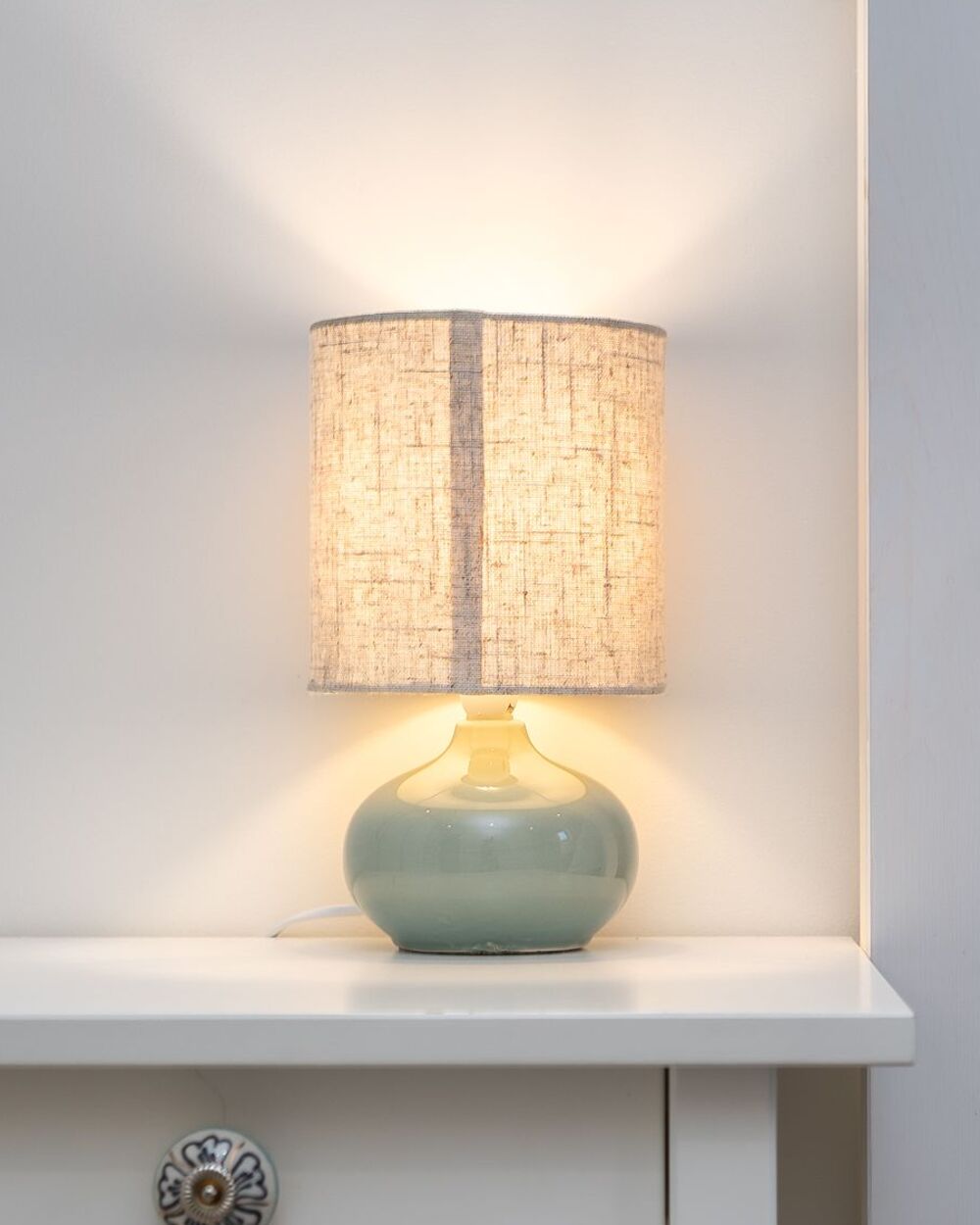
Round hand-thrown glazed stoneware base with a cylindrical linen shade. Soft, diffused light, ideal on a bedside table.
Shipping and returns+
Shipped from our Lyon workshop. Free returns for 30 days.
Stoneware care+
A dry cloth is all it takes. Each piece is unique, so slight variations in the glaze are normal.
Tap or click an element to adjust it; double-click a text to rewrite it. Drag the selected element to move it. ⌘Z undoes. Arrow keys: parent, child, and sibling blocks. Esc to deselect.
Demo mode
Context: the page and B’s changes
Under the buy button, show the estimated delivery date. Before 3 PM it’s 2 business days, otherwise 3.
Block inserted right after it, in the page’s colors
Date hard-coded: it doesn’t update
Done. The block shows under “Add to cart”, anchored to a stable selector. The date is written as is (Friday, November 13, for an order placed on Tuesday, November 10 before 3 PM), so it doesn’t update from one day to the next. For a date that follows the order time, public holidays, and your closing days, add the “Delivery date” widget from the Widgets tab instead.